
 EN
 AR
 DA
 NL
 FI
 FR
 DE
 EL
 HI
 IT
 JA
 KO
 NO
 PL
 PT
 RO
 RU
 ES
 SV
 TL
 IW
 ID
 SR
 VI
 HU
 TH
 TR
 FA
 MS
 IS
 AZ
 UR
 BN
 HA
 LO
 MR
 MN
 PA
 MY
 SD
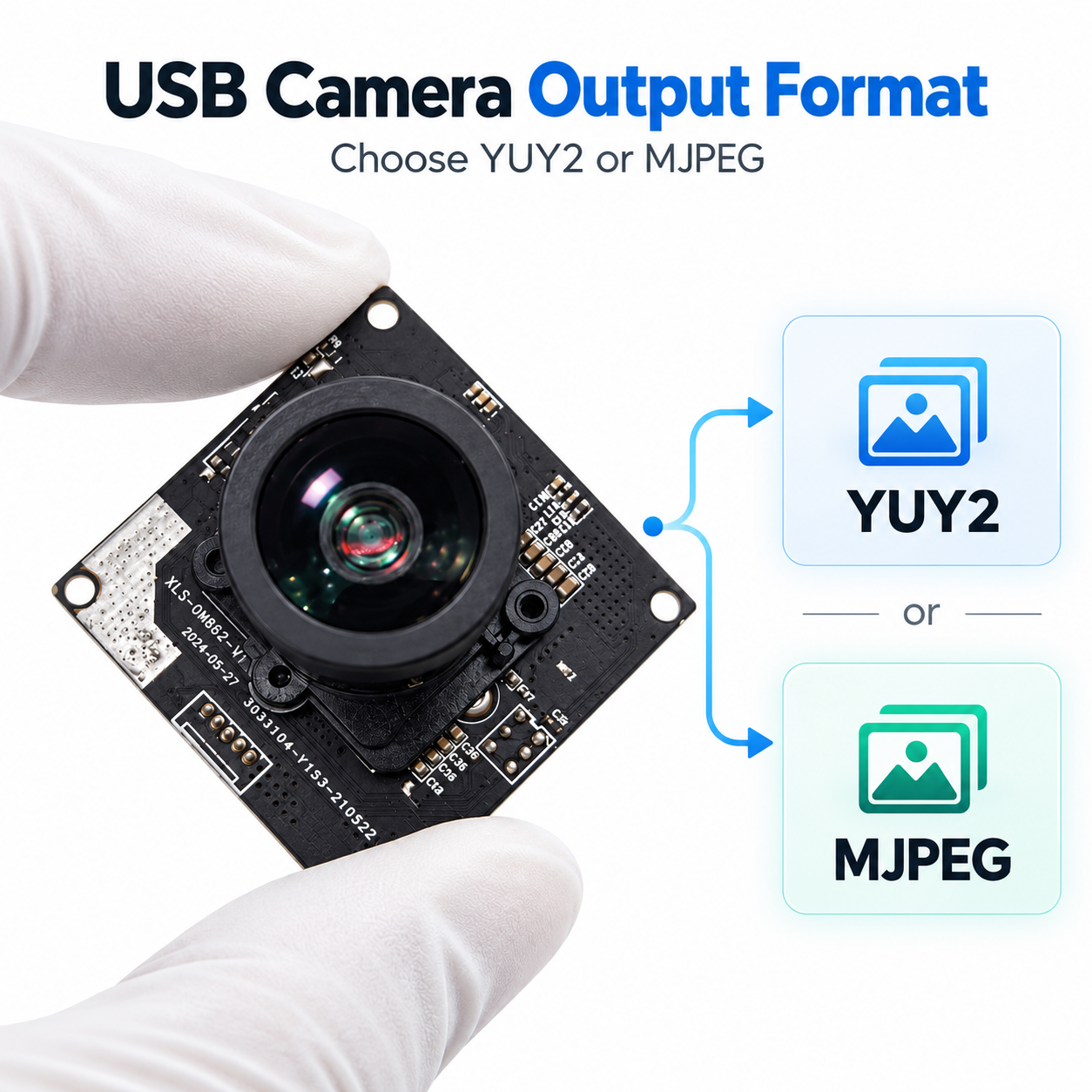
Open a USB camera in a capture application and you may find two formats listed for the same resolution: YUY2 and MJPEG. Choose one, and the preview runs smoothly. Switch to the other, and the available frame rate drops. The lens and sensor have not changed. The difference is how the camera packages and transmits image data. The output format affects USB traffic, host processing load, and the detail available to your software. Understanding this explains why a camera labelled 1080p can behave quite differently when you change its output mode.
What YUY2 Actually Sends
YUY2 carries uncompressed image data in a packed YUV 4:2:2 layout. In simple terms, each pixel retains its own brightness information, while adjacent horizontal pixels share colour information. The format uses an average of two bytes per pixel. Linux tools generally call this same byte arrangement YUYV. Knowing both names helps when comparing capture settings in Windows and Linux.
Uncompressed does not mean unprocessed. Before producing YUY2, the camera may already have applied exposure control, noise reduction, sharpening, and colour processing. YUY2 is different from a Bayer RAW stream. When evaluating fine text or surface detail, engineers can use YUY2 as a reference because it avoids an additional JPEG compression stage. Its bandwidth requirement increases with image size and frame rate.
What Changes with MJPEG
MJPEG, short for Motion JPEG, transmits a sequence of frames that are individually compressed using JPEG. The camera compresses each image before sending it over the interface. The host then decodes the image when pixel data is needed for display or analysis. Compression can substantially reduce USB traffic. The compressed frame size depends on the scene and encoder settings, so no single compression ratio applies to every camera and application.
When capturing labels with small text, aggressive compression can introduce block patterns or slight ringing around character edges. With suitable quality settings, these differences may be difficult to notice in a normal preview window. Every MJPEG frame is compressed independently, without predicting changes between adjacent frames. This distinguishes it from common interframe video coding modes.
Why Frame Rates Can Differ So Much
At 1920 × 1080 and 30 frames per second, YUY2 generates approximately 124 MB of image data per second, excluding USB protocol overhead. This is approximately 995 Mbps, already exceeding the 480 Mbps signalling rate of USB 2.0 High Speed. MB means megabytes and Mb means megabits; the numbers cannot be compared directly without converting the units.
A USB 2.0 camera therefore cannot transmit this resolution and frame rate combination as an uncompressed YUY2 stream. Depending on the modes supported by its firmware, it may offer a lower frame rate, a lower resolution, or MJPEG at the required resolution.
This explains a common specification misunderstanding. A claim of 1080p at 30 fps needs to identify the output format. Request the complete mode table from the supplier instead of assuming that the advertised frame rate is available in every format.
USB 3.0 camera modules can provide more bandwidth, but the camera, cable, host connection, and negotiated operating speed must all support the intended mode. The connector shape alone tells you little. Devices sharing a USB hub or an upstream connection also share its bandwidth. Two cameras that work separately may behave differently when connected to the same hub. If video is interrupted, check the host controller topology and test the combined workload before assuming that the sensor has failed.
Judge Image Quality Against the Actual Task
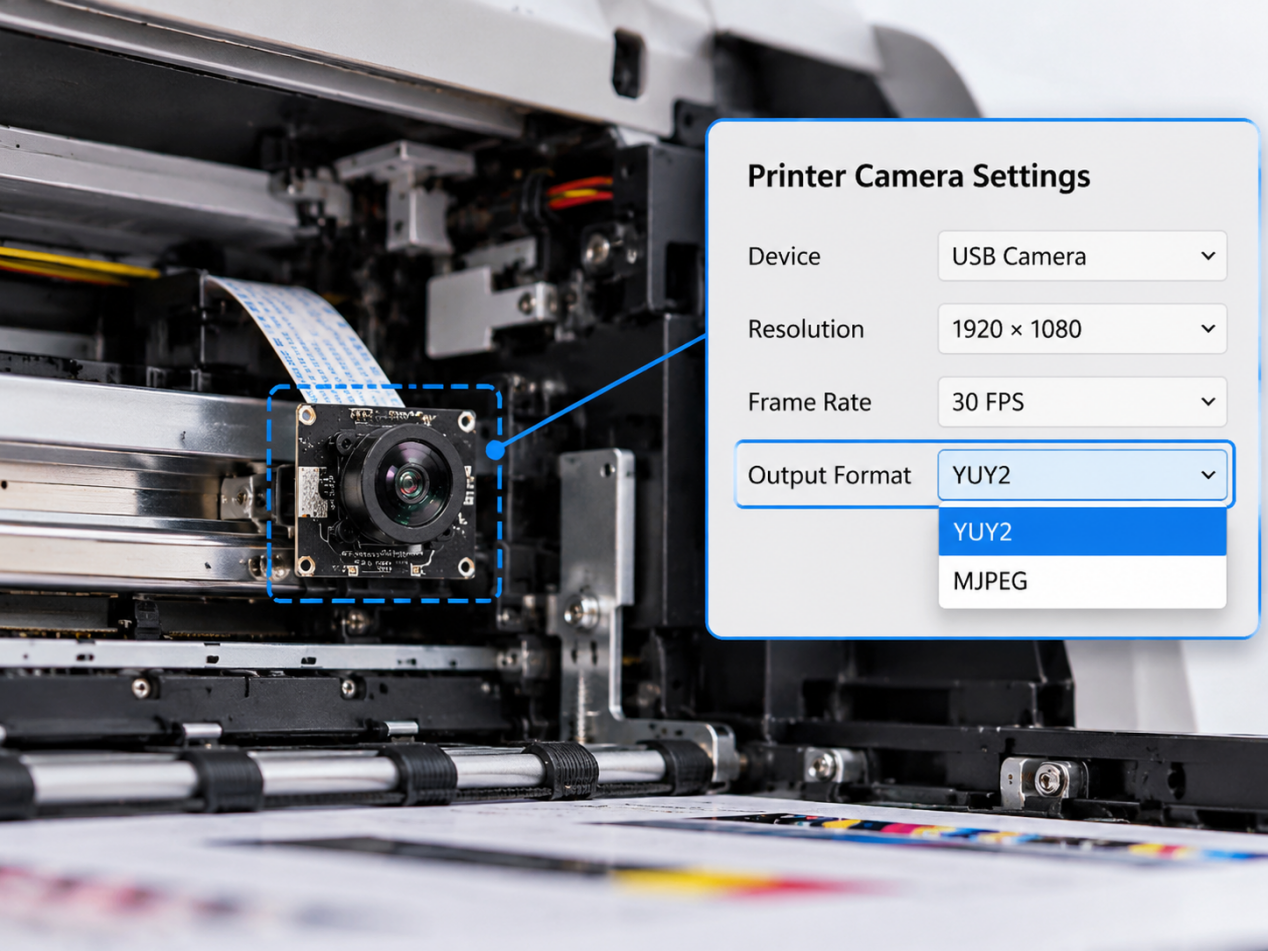
For monitoring the inside of a printer, MJPEG may retain all the detail needed to determine whether printing has stopped. For optical character recognition (OCR), assess the smallest character strokes the software needs to distinguish. Compare both formats at the same resolution, with matching focus, exposure, lighting, and image processing settings wherever possible. Otherwise, a brighter image or stronger sharpening can easily be mistaken for a format advantage.
Inspect images at their original size. Look at decimal points, narrow gaps, fine textures, and coloured edges, and run the actual detection or recognition software. YUY2 shares chroma information between pixels, so it should not be described as preserving every colour sample at every pixel. MJPEG output also depends on the camera encoder. The format name alone cannot establish whether an image will meet the project acceptance criteria.
If matching frame rates are unavailable, separate the evaluations. First compare static detail at a resolution supported by both formats, then test each format in the operating mode the product requires. State the conditions alongside the results so that images captured with different settings are not presented as a direct format comparison.
Measure Latency Separately
Frame rate describes how often images arrive. Latency describes the time between the scene being captured and the image being displayed or used by the application. A smooth preview can still have noticeable delay.
MJPEG adds encoding and decoding work. YUY2 avoids the JPEG stage but transfers more data. In a real system, buffering, exposure time, format conversion, and application scheduling may have a greater effect on latency. Measure the complete processing path on the target host. Hardware decoding support can significantly affect the host processing cost of MJPEG; without it, decoding may place a greater load on the CPU. YUY2 may also need conversion before a vision library can use it.
To compare preview latency, record a visible changing event and its response on the preview screen together. Keep the display and application settings consistent. A saved still image cannot demonstrate latency or sustained frame rate.
How to Make the Comparison Repeatable
Choose one camera that explicitly supports both formats. Query the available modes in the capture software and verify the mode actually selected. Some applications negotiate settings that differ from those requested. A stationary printed target with small text, a few colour patches, and fine lines is sufficient for an image quality comparison. Save decoded images without another lossy JPEG encoding step, which could distort the comparison.
Test continuous capture separately. Record the delivered frame rate, dropped frames, and host CPU load while the actual application runs. If other USB devices will be connected in the deployed system, connect them and repeat the test.
Keep the camera firmware version and settings with the results. These records provide a reference when another sample arrives or a software update changes capture behaviour. When publishing sample images, identify the camera, resolution, format, and capture settings in the caption. Keep crops at the same scale so readers can compare the same features.
The choice involves a tradeoff between data volume and processing overhead. YUY2 avoids JPEG encoding and decoding but requires more USB bandwidth. MJPEG reduces bandwidth demand while adding compression in the camera and decoding on the host. For OCR or fine inspection, avoiding additional JPEG compression makes YUY2 a useful candidate when bandwidth permits. For routine monitoring and preview, MJPEG is often practical when bandwidth is limited. Validate either choice on the target system.
When evaluating Sinoseen USB camera modules, discuss your camera requirements with the supplier, including resolution, frame rate, output format, host platform, and the specific task. Confirm which controls the firmware actually exposes. OCR projects may need matched YUY2 and MJPEG images to evaluate character detail. Monitoring projects should assess stable MJPEG capture on the intended host. Define these operating modes during sampling and include them in the approved OEM camera module configuration. Resolving them before production makes later troubleshooting easier.
Frequently Asked Questions
Is YUY2 the Same as RAW?
No. YUY2 is an uncompressed YUV format and may contain images already processed by the camera. Bayer RAW retains a different representation of sensor samples.
Does MJPEG Always Have More Delay?
No. Encoding and decoding add work, but total delay also depends on buffering, exposure, transport, and the host application. Measure both modes on the actual system.
Can One Static Comparison Image Prove Which Format Is Better?
It can show differences in captured detail under documented conditions. It cannot establish frame rate, dropped frames, or latency. Those require a separate continuous capture test.