 EN
EN
 AR
AR
 DA
DA
 NL
NL
 FI
FI FR
FR
 DE
DE EL
EL
 HI
HI
 IT
IT JA
JA
 KO
KO
 NO
NO PL
PL PT
PT RO
RO
 RU
RU
 ES
ES
 SV
SV
 TL
TL
 IW
IW
 ID
ID
 SR
SR
 VI
VI
 HU
HU
 TH
TH
 TR
TR
 FA
FA
 MS
MS
 IS
IS
 AZ
AZ
 UR
UR
 BN
BN
 HA
HA
 LO
LO
 MR
MR
 MN
MN
 PA
PA
 MY
MY
 SD
SD

Hvordan kjøpe en USB-kameramodul som støtter flere operativsystemer til kiosker og terminaler
Sep 03, 2026
En kamera kan oppføre seg perfekt på en Windows-utviklingslaptop og likevel feile når det er tilkoblet Android-brettet som er valgt for den endelige kiosken. Terminalprodusenter oppdager ofte dette sent. Prototypen viser et rent 1080p-bilde, så kamerarbeidet virker ferdig. Under systemtesting kan imidlertid kameraet forsvinne etter en omstart, Android kan bare eksponere en lavoppløsningsmodus, eller Linux kan strømme video uten å la applikasjonen endre eksponering.
Sensoren er ikke alltid årsaken. Ofte ligger problemet et sted mellom kameraprogramvare, UVC-beskrivelser, USB-båndbredde, operativsystemets kamerastakk og applikasjonen. For et terminalprosjekt er det viktig å spesifisere en USB kamera modul er bare et utgangspunkt. Modulen må testes i det faktiske produksjonssystemet før den kan godkjennes.
UVC reduserer sjåførens arbeidsbyrde, men fjerner ikke kompatibilitetstesting.
UVC står for USB Video Class . Det definerer hvordan en USB-videoenhet rapporterer sine bilddataformater, oppløsninger, bildefrekvenser og kontroller til verten. På Windows kan en UVC-kompatibel enhet bruke systemets innebygde USB-videodriver i stedet for en egen kameradriver. Det er én av grunnene til at UVC-moduler er vanlige i selvbetjeningsautomater, tilgangskontrollterminaler og konferanseutstyr.
Å endre operativsystemet kan fortsatt påvirke resultatet. Linux får vanligvis tilgang til en UVC-kamera via uvcvideo-driveren og V4L2. Standardkontroller er vanligvis enkle å håndtere, mens leverandørspesifikke kontroller ofte krever ekstra programvare for å kartlegge dem. Støtte for eksterne USB-kameraer på Android krever mer oppmerksomhet: brettet må støtte USB-hostmodus, kjernen må aktivere UVC, og systemavbildningen må inneholde en ekstern kameraleverandør eller en applikasjon som får direkte tilgang til USB-enheten. En leverandørs uttalelse om at en modul støtter Android er derfor ikke tilstrekkelig i seg selv. Kompatibilitet må bekreftes på det faktiske brettet og systemavbildningen.
Verten kan ikke bruke den høyeste oppløsningen som er oppgitt i databladet
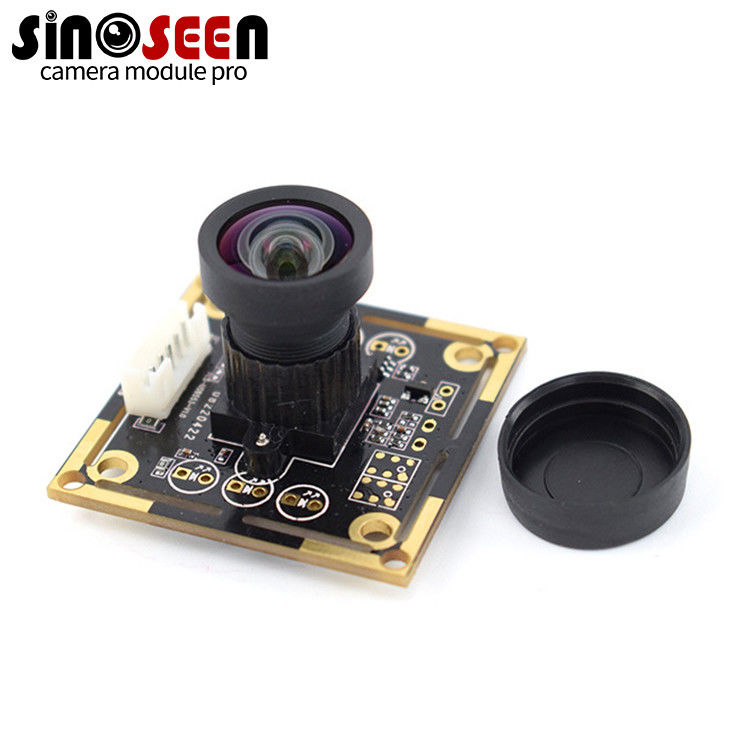
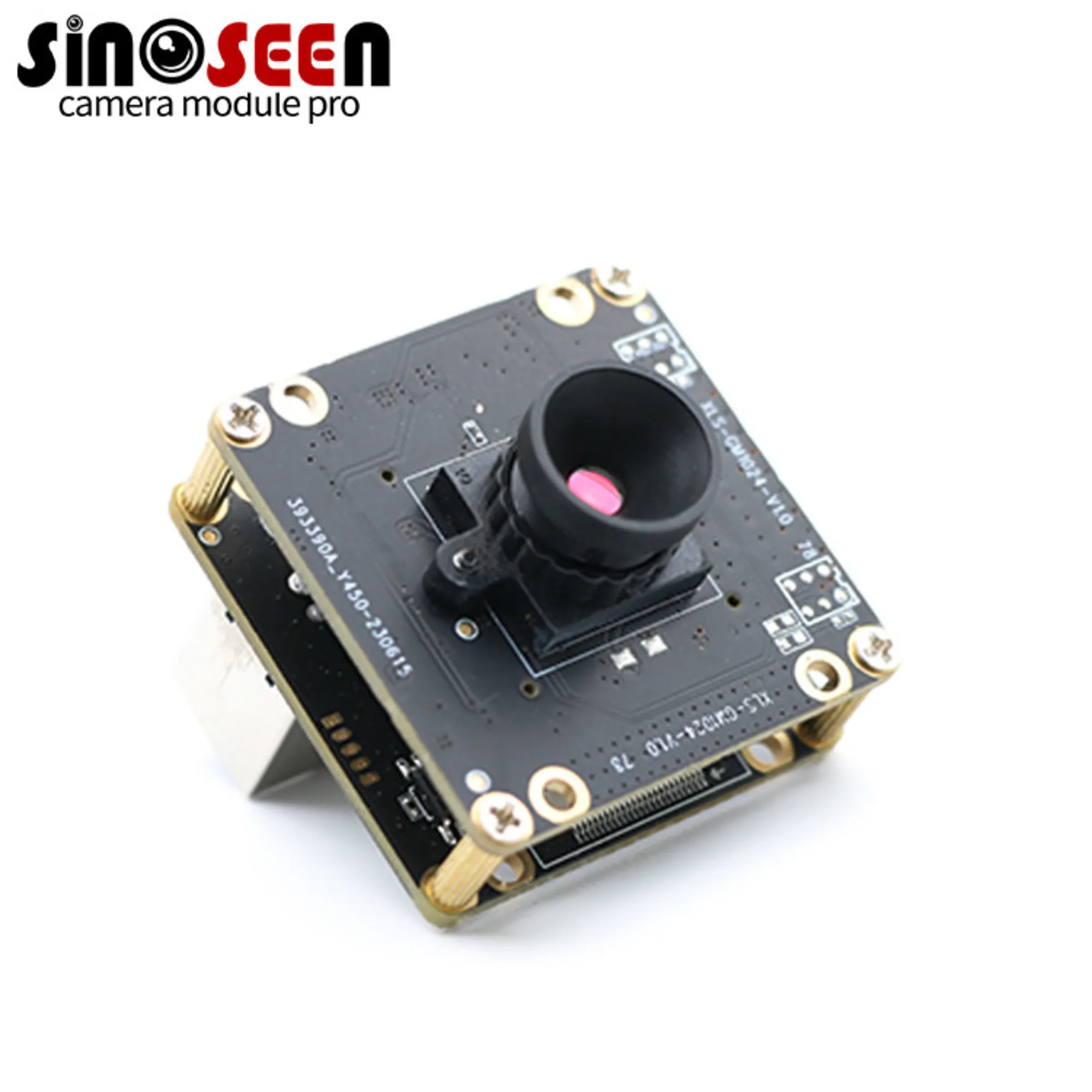
Ta til dømes Sinoseen OV2710 USB-kameramodul den offentliggjorte spesifikasjonen lister en 2 MP OV2710-sensor, 1920 × 1080-utdata, USB 2.0, fast fokus og både MJPEG- og ubehandlet YUV-utdatamoduser. Ingen av disse spesifikasjonene er uvanlig, men verten vil ikke automatisk velge den høyeste modusen som er oppført på siden.
MJPEG gjør vanligvis det enklere å overføre 1080p-video via USB 2.0, fordi det reduserer trafikken på bussen. Kompromisset er belastningen på avkodingsprosessen hos verten. En beskjeden Android-prosessor kan vise en 1080p-strøm, men bruke en merkbar andel av CPU-tiden sin på avkoding. Ukomprimert video snur dette kompromisset: den krever mindre avkoding, men bruker mye mer USB-båndbredde. Hvis kameraet deler en intern hub med en strekkodeleser, et kortleser, et mikrofon eller en trykkskjerm, må denne båndbredden sjekkes tidlig. Før godkjenning av en modul, registrer oppløsningene, bildefrekvensene, formatene og strømforbruket som rapporteres av produksjonsfirmwaren, i stedet for å kopiere sensorens fremhevede spesifikasjoner.
Fast fokus må tilsvare terminaloppsettet
OV2710-modulen bruker fast fokus med en oppgitt synsfelt på 70 grader. Ettersom det ikke finnes en fokussmotor som kan bevege seg, slitas eller gå tilbake til feil posisjon, er fast fokus ofte et pålitelig valg for en terminal – forutsatt at arbeidsavstanden holdes innenfor et kontrollert område. En kamera plassert over en skjerm må kanskje fange inn en bruker som befinner seg 60–100 cm unna. Et smart skap må kanskje se både brukeren og fagområdet, mens et ID-terminal kan plassere dokumentet mye nærmere linset. Én fokusinnstilling vil ikke passe alle tre installasjonene. Test kameraet med den endelige kabinettkonstruksjonen og dekkglasset montert. Speilinger fra skjermen, en innsenket linseåpning eller en smal ramme kan endre bildet i forhold til hvordan det så ut på en åpen benk.
Bekreft eksponering og andre bildekontroller på ethvert operativsystem
Et datablad kan liste lysstyrke, kontrast, metning, gamma, hvitbalanse og eksponeringskontroller, men programmet kan ikke nødvendigvis bruke hver enkelt kontroll på alle operativsystemer. Et program kan la eksponeringen være automatisk; et annet kan skrive en fast verdi ved oppstart. Noen programmer tilbakestiller kamerainnstillingene etter en USB-tilkobling, mens andre beholder de forrige verdiene. Forskjellen blir synlig i en terminal installert nær en inngangsdør. En lys døråpning kan skyve brukerens ansikt inn i skygge, og en endring i eksponeringsoppførsel etter omstart kan påvirke gjenkjenningsytelsen, selv om maskinvaren ikke har endret seg.
Definer et godkjent sett med kontroller for hvert operativsystem. Deretter gjenta de samme sjekkene etter en kald oppstart, en varm omstart, en USB-frakobling og -tilkobling samt en programomstart. Et kamera kan oppføre seg annerledes i hver tilstand; å bestå bare én av dem garanterer ikke kompatibilitet.
Hvor OV2710 USB-modulen passer inn
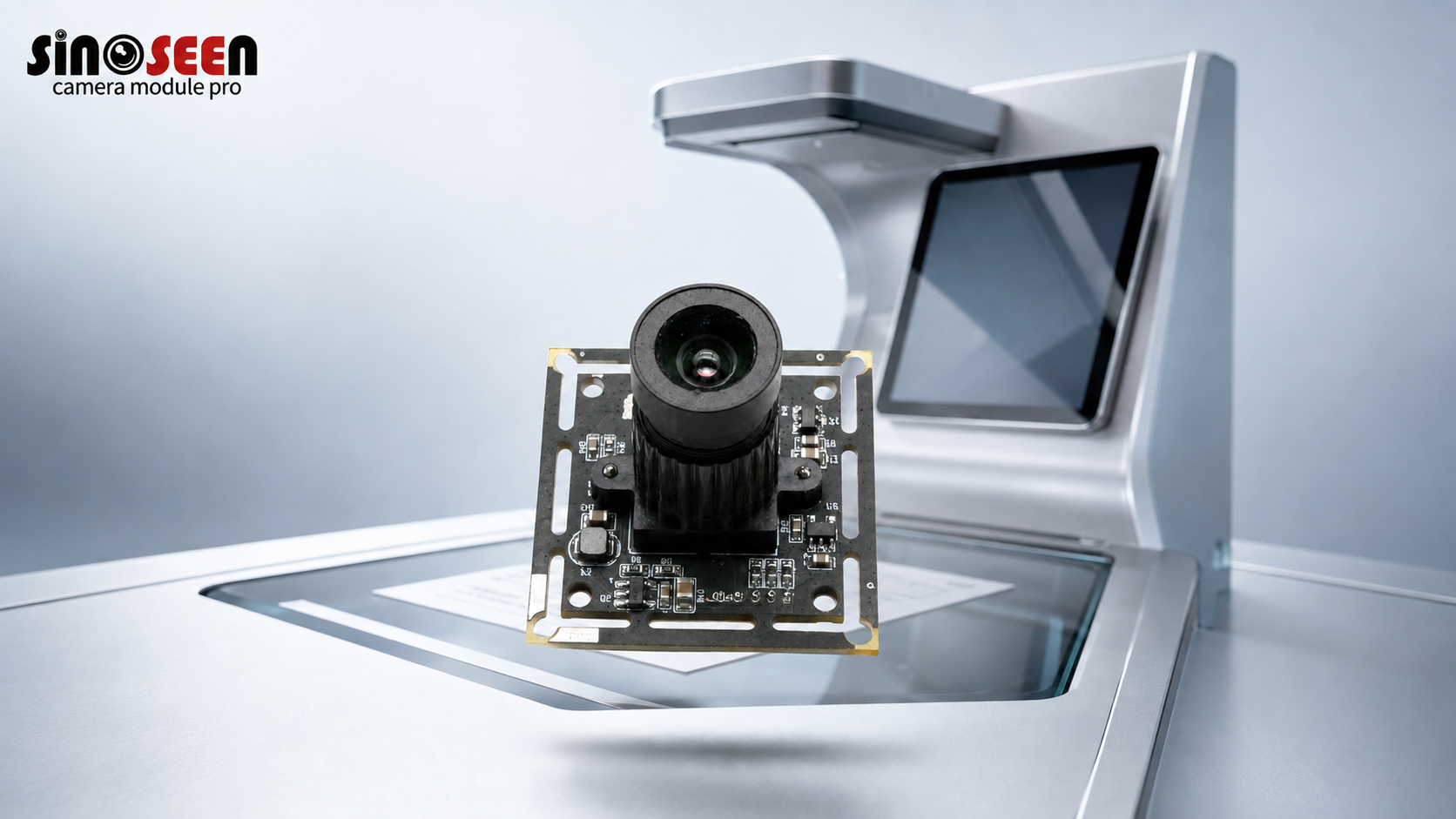
Sinoseen OV2710 USB kamera modul er et praktisk utgangspunkt for terminaler som trenger én 1080p-strøm, en USB 2.0-tilkobling og en fast kameraposisjon. Dens 1/2,7-tommers sensor og 3,0 µm-piksler er egnet for generell videofangst, tilgangskontroll, videodørklokker og selvbetjenings-terminaler. Den oppgitte kortstørrelsen er 38 × 38 mm. Kortdimensjoner, linsevinkel og firmware kan tilpasses gjennom en tilpasset kameramodul prosjekt. Modulen får strømforsyning fra USB-bussen ved 5 V, med en oppgitt driftsstrøm på 200 mA.
OV2710 bruker en rullende lukker (rolling shutter), så den er ikke det naturlige første valget for inspeksjon av høyhastighetskonveyor eller fangst av hurtigbevegelige strekkoder. Det spesifiserte driftsområdet på 0 °C til 55 °C må også sammenlignes med temperaturen inne i den ferdige terminalen. Utendørsutstyr kan kreve en annen termisk konstruksjon eller kamerakonfigurasjon. Hvis prosjektet krever flere kameraer, lengre kabellengder eller ubehandlede høyoppløselige strømmer, kan en USB 3.0 kameramodul være mer passende.
Test prøven på produksjonsverten
Ikke kvalifiser prøven på én bærbar datamaskin og stopp der. Bruk produksjonsprosessor, frigjør systemavbildningen, bruk den faktiske programvaren, den interne hubben og den planlagte kablen. Kjør kameraet gjennom en full driftssyklus. Under denne testen må du starte terminalen på nytt gjentatte ganger, koble fra og til USB-strømmen, gå inn i og ut av søvemodus og samtidig bruke andre USB-perifere. Registrer om kameraet alltid blir oppdaget (enumerert), hvilke moduser programvaren faktisk kan åpne, og om bildet forblir stabilt under terminalens faktiske belysning. En klar forhåndsvisning beviser veldig lite. Gjenbrukbar oppstart og en stabil strøm er viktigere for en terminalprodusent enn ett tiltalende testbilde.
Hva som må godkjennes før serieproduksjon
Godkjenning skal dekke hele kamerakonfigurasjonen, ikke bare sensornavnet. Lås PCB-dimensjonene, kontaktposisjonen, kablingen og skjermingen, linseens synsfelt, fokussavstanden, USB-identifikatorene, standardbildekontrollene, videomodusene som firmwaren rapporterer, og de testede vertsplattformene. Hvis noen av disse punktene er uavklart, skal prøven behandles som en ingeniørprøve, ikke som en produksjonsreferanse. For mekaniske eller firmwarerelaterte krav som avviker fra standarden, ta kontakt med Sinoseen med målbruktbrettet, operativsystemet, arbeidsavstanden og den nødvendige strømmingsmodusen før du ber om den endelige prøven.
Ofte stilte spørsmål
Betyr UVC at et kamera vil fungere på alle operativsystemer?
Nei. UVC fjerner mye av det proprietære driververket, men verten trenger fortsatt støtte for USB-kameraer, riktig systemkonfigurasjon og en applikasjon som kan åpne den nødvendige videomodusen.
Er USB 2.0 tilstrekkelig for et 1080p-terminalkamera?
Ofte, ja, spesielt når kameraet gir ut MJPEG. Resultatet avhenger fortsatt av bildefrekvensen, antallet enheter som er tilkoblet den interne hubben og båndbredden som brukes av andre tilkoblede enheter.
Er fast fokus egnet for ansiktsregistrering?
Ja, når kameraposisjonen og avstanden til brukeren er rimelig kontrollert. Bekreft endelig fokus med produksjonskabinettet og dekkglasset montert; en test på åpen benk er ikke tilstrekkelig.
Hva må vanligvis tilpasses før serieproduksjon?
Vanlige elementer inkluderer PCB-størrelser, plassering av kontakter, kabellengde, linsebildens synsfelt, fokussavstand, USB-enhetens identifikatorer, standardbildekontroller og videomoduser som rapporteres av produksjonsfirmwaren.