 EN
 AR
 DA
 NL
 FI
 FR
 DE
 EL
 HI
 IT
 JA
 KO
 NO
 PL
 PT
 RO
 RU
 ES
 SV
 TL
 IW
 ID
 SR
 VI
 HU
 TH
 TR
 FA
 MS
 IS
 AZ
 UR
 BN
 HA
 LO
 MR
 MN
 PA
 MY
 SD

Monochrome vs Color Global Shutter Modules: Which for Industrial Inspection?
Nov 19, 2026
On a production conveyor, a batch of identical plastic housings passes through an inspection station. Initially, the camera only needs to check whether the holes are in the right places. After a process change, it also needs to detect housings of the wrong color. A monochrome camera can handle the first task. If different colors appear equally bright in grayscale, the second task needs color information.
Both tasks can benefit from a global shutter when parts move during capture. The choice between monochrome and color depends on which features distinguish a good part from a bad one. Identify what the software must recognize, then choose a sensor, lens, and lighting setup that makes those features clear.
What Does a Global Shutter Change?
A global shutter exposes the sensor’s pixels over the same time interval, helping preserve the shape of moving objects. A rolling shutter exposes different rows at different times, so motion can make a straight edge appear tilted or bent.
A global shutter can still produce motion blur because the part continues moving during exposure. At 500 mm per second, a part travels 0.5 mm during a 1 ms exposure. If a printed stroke is only 0.2 mm wide, that movement can make it difficult to distinguish.
With either monochrome or color modules, short exposures and sufficient illumination remain important. Frame rate determines how often an image is captured. Exposure time affects how far the part moves within each image.
How Do Monochrome and Color Sensors Capture Detail?
A conventional monochrome sensor records light intensity at each pixel without a color filter array. Its image shows brightness differences, which are useful for reading printed codes, finding edges, and checking dimensions.
Many single-sensor color cameras use a Bayer array. Each pixel receives light through a red, green, or blue filter. Processing then estimates the missing color components from neighboring pixels, a step called demosaicing or debayering. This creates a full-color image, but fine features can be affected by the filter pattern and reconstruction method. (See Opto Engineering’s explanation of Bayer sampling and demosaicing .)
With comparable sensor technology, pixel size, and optics, monochrome sensors generally have a sensitivity advantage because they lack the color filter array. This can provide more room to shorten exposure. The size of the advantage depends on the sensors and illumination wavelength. Compare real samples at the exposure time required by the production speed.
| Selection factor | Monochrome global shutter | Color global shutter |
| Information recorded | Brightness differences | Brightness and color differences |
| Typical inspection | Codes, edges, shape, position | Color sorting, wire identification, print checks |
| Small features | No Bayer color reconstruction | Check detail after demosaicing |
| Lighting priority | Contrast between feature and background | Contrast plus repeatable color rendering |
| Sample test | Readability and edge consistency | Readability plus separation of required colors |
When Should You Start With a Monochrome Module?
For a black Data Matrix code on a white label, the software needs sufficient contrast and enough pixels across each code cell. A monochrome module is a practical starting point, allowing you to focus on lens focus, exposure, and illumination. For hole or silhouette inspection, backlighting can create a clear boundary for the software to measure.
One easily overlooked detail is that lighting color matters even with a monochrome camera. A red mark on white packaging may look bright under red light and become difficult to separate from the background. Green or blue illumination can make the red mark appear darker and improve contrast, depending on the ink and material. Test the actual production materials under the planned lighting before finalizing the design.
For reflective metal, changing the light’s angle or using diffuse illumination may reveal an edge more effectively than increasing resolution. If glare hides a scratch, neither sensor type can recover a feature the lighting has obscured. (See Kowa’s industrial camera guide on monochrome sensitivity and camera selection .)
When Is a Color Module Worth Choosing?
Imagine a connector with red and green wires. Both wires are inserted, but their positions have been swapped. An inspection that checks only shape and position could accept the assembly. Color information gives the system another way to identify the error.
Examples include checking cap colors, verifying a colored warning mark on packaging, or sorting injection-molded parts with identical shapes but different colors. Some colors can be separated by brightness in a monochrome image, while others produce very similar gray values. Include every color combination that could cause a mix-up or inspection error in the sample test.
Color inspection also requires stable lighting. Changes in the light source, ambient daylight, or automatic white balance can change the measured values of the same part. Use controlled illumination and validate the camera settings across acceptable production variations. To distinguish similar shades, define a measurable acceptance threshold and include known borderline samples. An image that looks appealing on a monitor is only a starting point.
Resolution and Data Format Also Matter
A higher-resolution color module can capture more useful detail than a lower-resolution monochrome module at the same field of view. First calculate how many pixels cover the smallest feature. Then check whether the lens, focus, and exposure preserve that detail in the center and at all four corners.
Color image bandwidth is another common concern. RGB with 8 bits per channel uses three bytes per pixel, while 8-bit monochrome uses one. Some modules can output uninterpolated 8-bit Bayer data, which also uses one byte per pixel during transmission and leaves demosaicing to the host. USB modules may instead output YUV or compressed MJPEG. When requesting a quotation or specifications, confirm the output format, target resolution, and sustained frame rate together. Connect the module to the intended industrial computer and check CPU utilization under the actual workload.
For a simple pixel estimate, an image 1,280 pixels wide covering a 160 mm field of view provides about eight pixels per millimeter. A 0.5 mm feature would span roughly four pixels. This is useful for preliminary screening, but it is not a universal detection threshold. A solid black line and a faint metal scratch of the same width can have very different imaging requirements. Agree on the requirements with the vision software team, then test real defects throughout the field of view, including the edges.
Sinoseen Modules to Include in a Sample Evaluation
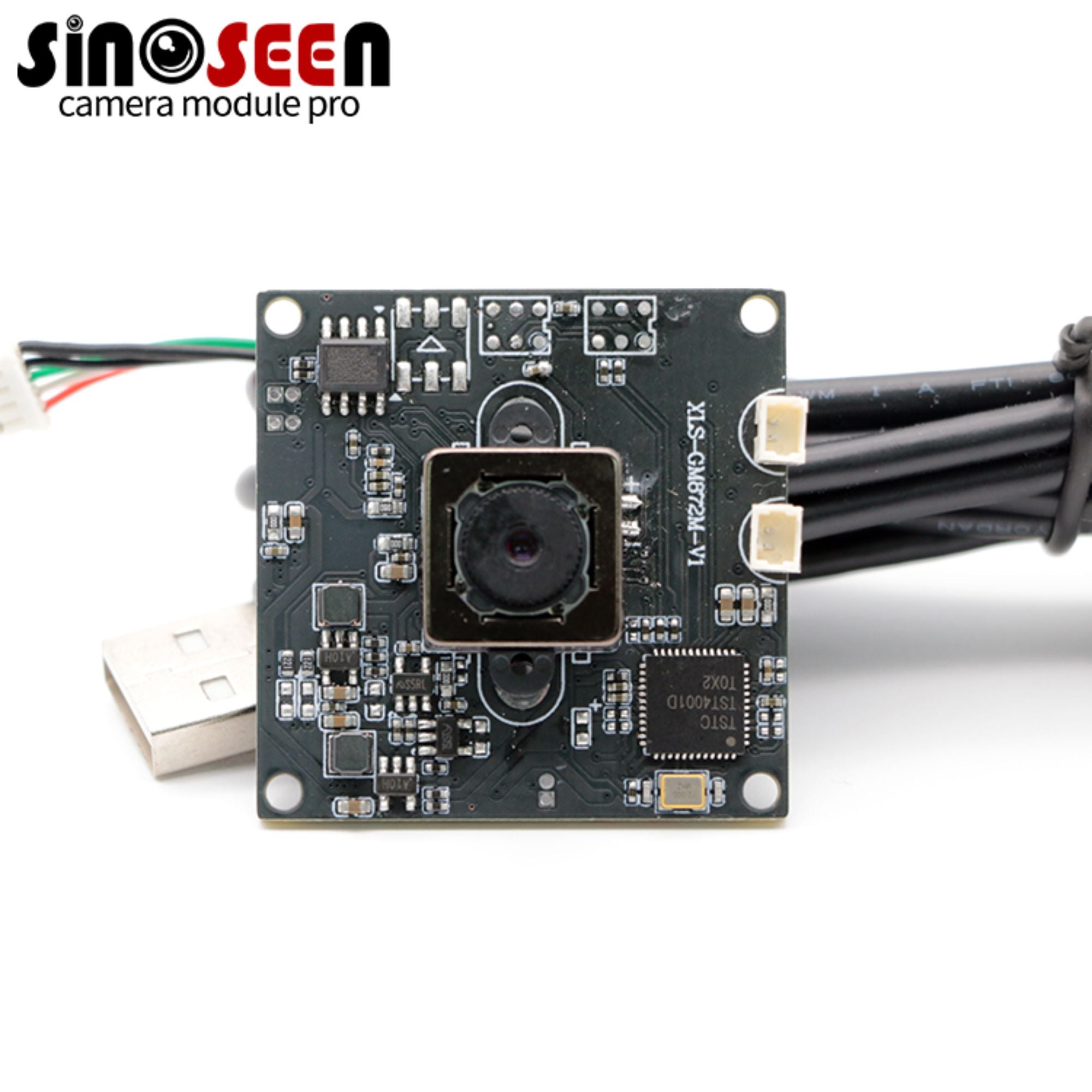
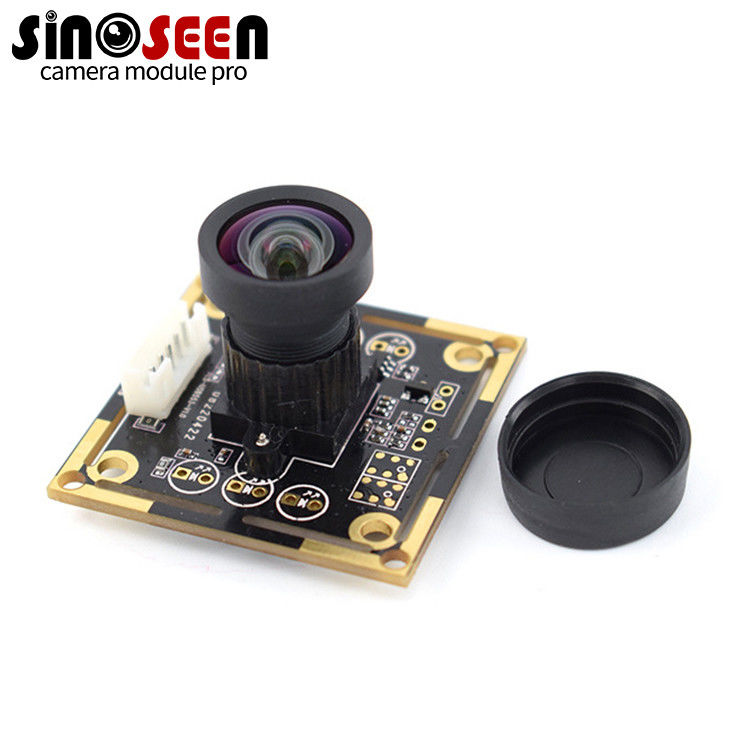
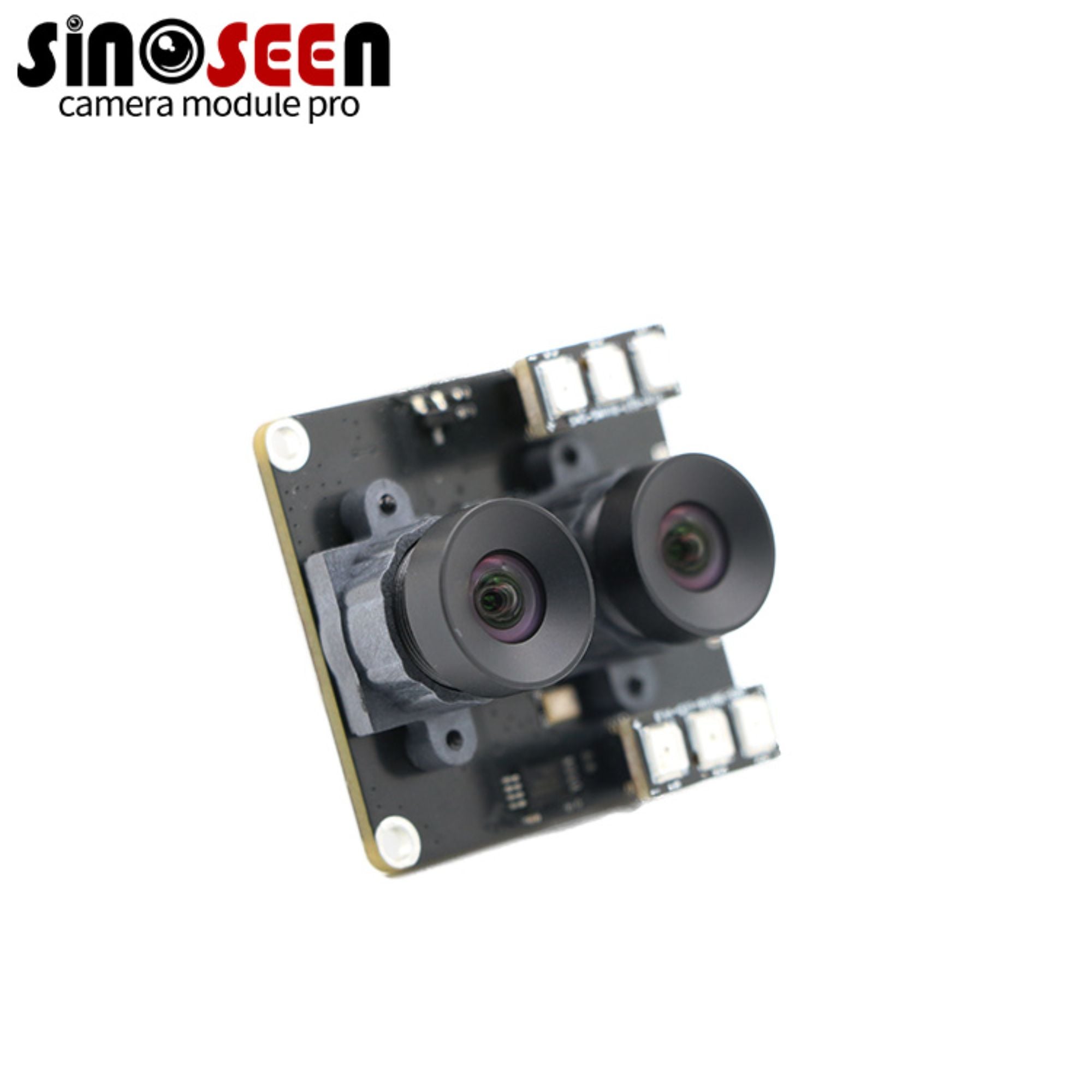
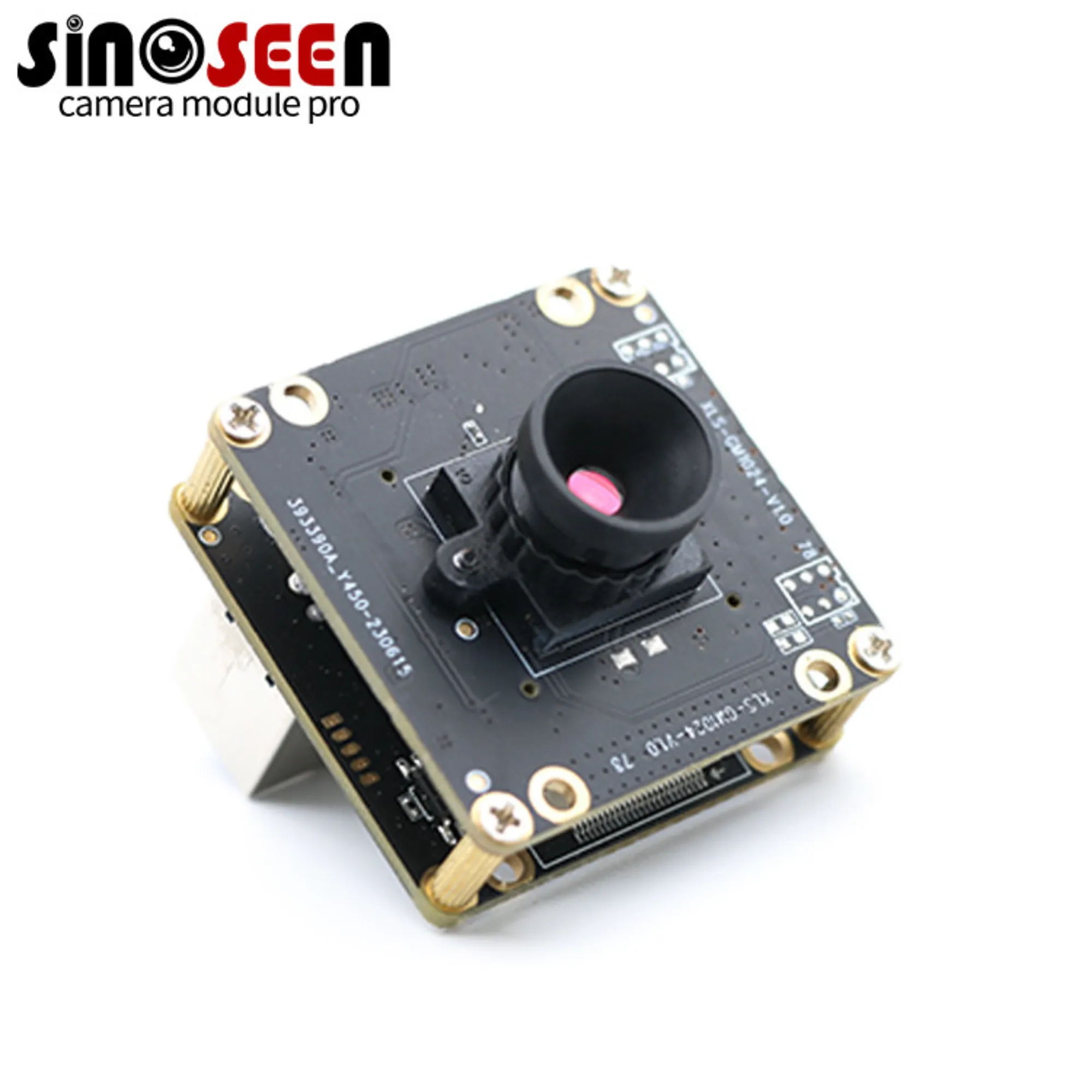
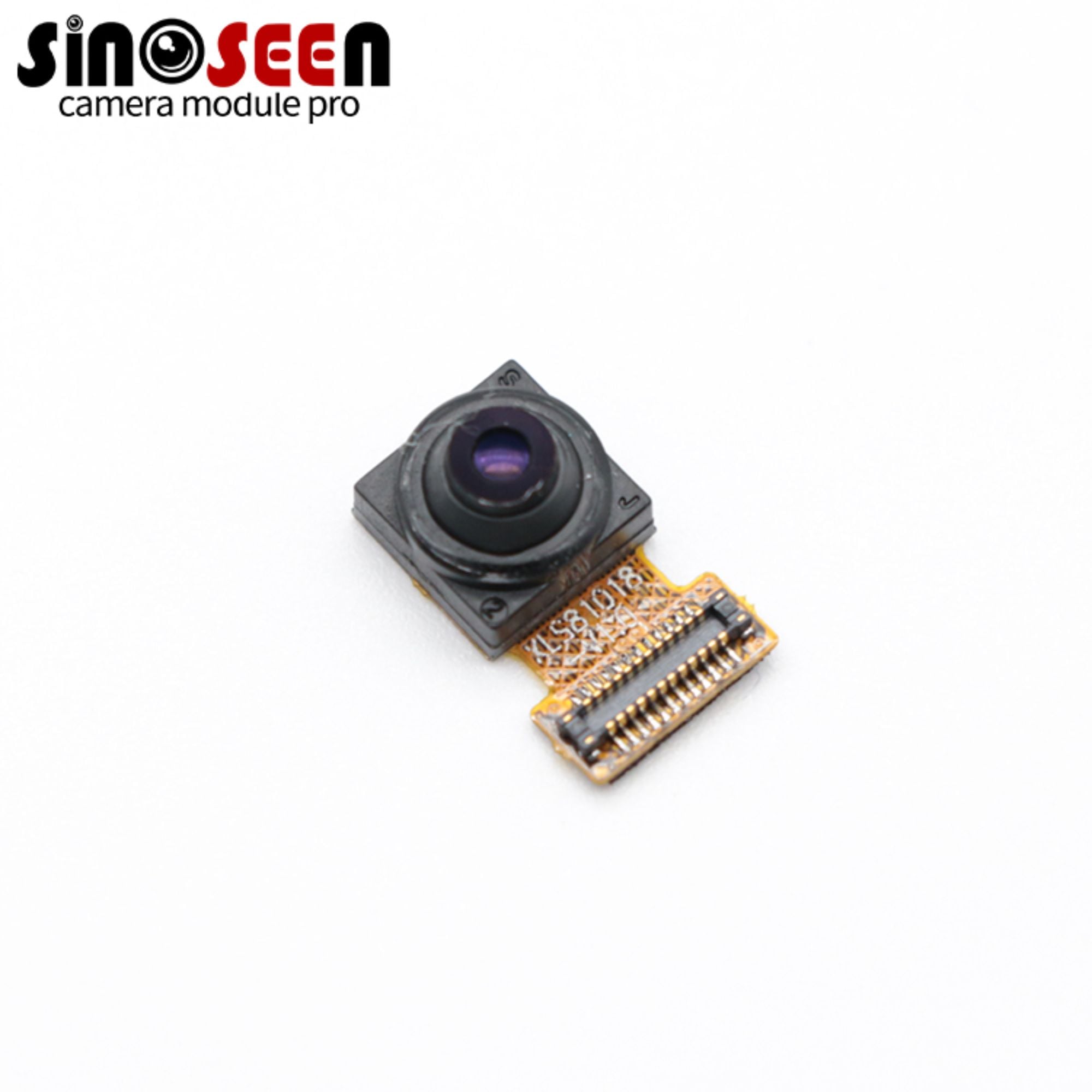
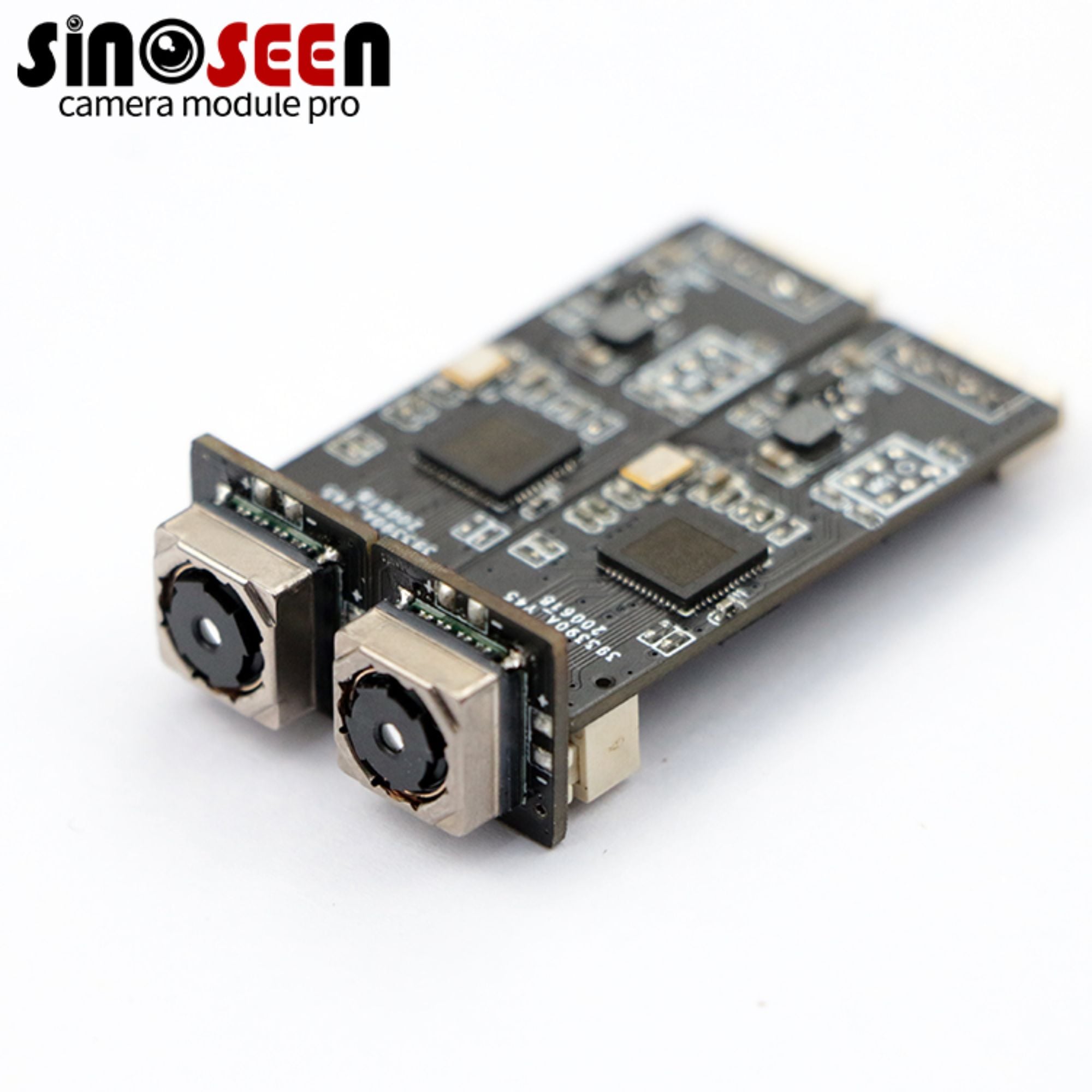
For a monochrome starting point, consider Sinoseen’s OV9281 USB global shutter module , model SNS-USB9281-V1.0. The product page lists black-and-white output and 1280 × 800 resolution. For color inspection, the OG02B10 global shutter module lists color output and 1600 × 1200 resolution. These products use different sensors and resolutions, so evaluate each configuration against the task it needs to perform.
Before requesting samples, specify the interface and confirm the available frame rates at the target resolution and output format. If the system relies on hardware triggering or synchronized strobes, check whether the supplied board and firmware provide those functions. A global shutter sensor alone does not establish that a finished module has a trigger input.
A Practical Sample Test
Test good parts, known defects, and borderline samples at the nearest and farthest working distances. Run them at production speed under the proposed lighting. Record exposure, gain, focus, and image format. For color tasks, include acceptable shade variations in the sample set.
Evaluate the frames the inspection software actually receives. Across repeated passes, count successful reads, missed defects, and false rejects. Repeat the test under realistic ambient-light changes. Save the passing images and configuration with the sample record so later lens or firmware changes can be checked against the same task.
Frequently Asked Questions
Is a Monochrome Camera Always Sharper Than a Color Camera?
With comparable pixel counts and optics, avoiding Bayer reconstruction can help monochrome sensors capture fine brightness detail. Across different modules, lens quality, pixel count, focus, and processing can change the result. Compare the smallest feature under the actual installation conditions.
Can a Color Camera Replace a Monochrome Camera by Switching to Grayscale?
A color image can be converted to grayscale, and the result may meet the inspection requirements. It still comes from a color sensor’s sampling and processing. Test it at the required exposure to see whether it performs as well as a native monochrome module.
Can a Global Shutter Freeze a Fast-Moving Part?
Simultaneous exposure helps preserve geometry, but a long exposure can still blur the part. Choose an exposure time based on the allowed movement during capture, then check whether the lighting provides enough signal at that exposure.
Can a Monochrome Camera Identify Colored Parts?
It can distinguish parts that produce reliably different brightness levels under controlled lighting. A single grayscale image cannot independently recover their original colors. If color itself determines acceptance, evaluate a color module and test all relevant shades.
Should You Prioritize Frame Rate or Resolution?
Choose enough resolution to represent the smallest feature and enough frame rate to capture the required parts or positions. Keep exposure short enough to limit motion blur. Confirm that the selected mode meets all three requirements on the final host.
Choose Around the Inspection Result
Write down what must be measured, the smallest feature, field of view, working distance, part speed, and whether color affects acceptance. Share those details and sample images with Sinoseen to discuss suitable monochrome or color global shutter options. Contact Sinoseen about your industrial inspection camera requirements .