 EN
EN
 AR
AR
 DA
DA
 NL
NL
 FI
FI FR
FR
 DE
DE EL
EL
 HI
HI
 IT
IT JA
JA
 KO
KO
 NO
NO PL
PL PT
PT RO
RO
 RU
RU
 ES
ES
 SV
SV
 TL
TL
 IW
IW
 ID
ID
 SR
SR
 VI
VI
 HU
HU
 TH
TH
 TR
TR
 FA
FA
 MS
MS
 IS
IS
 AZ
AZ
 UR
UR
 BN
BN
 HA
HA
 LO
LO
 MR
MR
 MN
MN
 PA
PA
 MY
MY
 SD
SD

Modul Kamera untuk Loker Cerdas dan Sistem Pengambilan Otomatis
Modul kamera untuk loker cerdas sering kali hanya memiliki beberapa detik untuk menangkap gambar. Setelah pintu terbuka dan paket ditempatkan di dalamnya atau diambil, sistem menyimpan gambar kompartemen tersebut. Gambar ini dapat membantu memastikan bahwa paket ditempatkan di kompartemen yang tepat, mendukung penyelidikan layanan pelanggan, serta memberikan masukan bagi perangkat lunak deteksi keberadaan paket.
Prosesnya terdengar sederhana, tetapi kamera beroperasi di dalam ruang logam terbatas. Pencahayaan LED mungkin tidak merata, kemasan plastik dapat memantulkan cahaya, dan paket bervariasi jauh dalam ukuran. Posisi kamera juga sulit diubah setelah pemasangan. Modul yang menghasilkan wajah jernih selama panggilan video mungkin kesulitan menangkap label pengiriman di bagian belakang kompartemen. Oleh karena itu, memilih kamera yang sesuai memerlukan pertimbangan terhadap ruang penutup, penempatan pencahayaan, urutan pengambilan gambar, serta spesifikasi sensor.
Tentukan Apa yang Harus Ditampilkan oleh Gambar
Apakah sistem perlu menentukan apakah suatu kompartemen kosong, memungkinkan staf layanan pelanggan memeriksa kondisi paket, atau membaca nomor pelacakan? Setiap tugas memberikan tuntutan berbeda terhadap lensa dan resolusi. Deteksi keberadaan terhadap latar belakang tetap mungkin memerlukan detail relatif sedikit, sedangkan membaca label kecil memerlukan detail jauh lebih banyak.
Menggunakan satu kamera untuk menangkap pengguna dan seluruh kompartemen biasanya memerlukan sudut pandang yang lebar, sehingga menyisakan lebih sedikit piksel untuk label. Beberapa desain menggunakan dua kamera: satu di dalam kompartemen dan satu lagi di dekat layar sentuh untuk merekam pengguna. Artikel ini berfokus pada kamera yang dipasang di dalam kompartemen.
Desain di Sekitar Kompartemen Loker
Kamera yang dipasang di bagian atas kompartemen mungkin mampu menangkap kardus besar dengan jelas, tetapi meninggalkan titik buta tepat di bawah posisi pemasangannya. Lensa sudut lebar mencakup area kompartemen yang lebih luas, namun detail kecil bisa menjadi lebih sulit dibedakan, terutama di dekat tepi. Pencahayaan ambient juga berubah ketika pintu loker dibuka.
Sebelum memilih lensa Modul Kamera , ukur posisi paket terdekat yang memungkinkan, jarak ke dinding belakang, serta seluruh area yang harus terlihat. Hanya meminta lensa sudut lebar kepada pemasok tidak cukup untuk menentukan apakah label sejauh 60 cm akan dapat dibaca.
Uji LED pada posisi produksi yang dimaksudkan menggunakan kantong surat berwarna putih, kemasan plastik reflektif, dan karton gelap. Silau yang tampak kecil bagi mata manusia dapat mengaburkan beberapa karakter penting dalam gambar yang diambil.
Sesuaikan Resolusi dengan Cakupan yang Dibutuhkan
Gambar 5 MP memberi ruang untuk pemotongan, tetapi ukuran yang lebih berguna adalah jumlah piksel yang tersedia untuk fitur terkecil yang harus dideteksi sistem. Pasang modul pada ketinggian yang dimaksudkan, letakkan label pengiriman representatif di bagian belakang kompartemen, dan simpan gambar keluaran asli kamera—bukan tangkapan layar pratinjau. Periksa label pada pembesaran 100% dan periksa kehilangan ketajaman di keempat sudut.
Perbandingan yang berguna menampilkan seluruh kompartemen bersama potongan label pada pembesaran 100%, dengan jarak kerja dan kondisi pencahayaan yang dinyatakan. Pasangan gambar yang terdokumentasi baik lebih informatif daripada kumpulan besar gambar sampel.
Gunakan Fokus Tetap untuk Jarak Kerja yang Dapat Diprediksi
Kompartemen loker umumnya memiliki kedalaman yang terdefinisi. Kamera fokus-tetap menghindari pencarian fokus dan mempertahankan pengaturan fokus yang sama selama setiap pengantaran atau pengambilan paket. Namun, kedalaman bidang kerja yang dapat digunakannya harus mencakup berbagai posisi paket yang mungkin, bukan hanya satu posisi nyaman di meja uji.
Sebuah karton besar mungkin menempatkan labelnya dekat dengan lensa, sedangkan paket kecil mungkin berada di bagian belakang kompartemen. Uji jarak kerja terdekat dan terjauh. Jika satu pengaturan fokus tidak mampu menjaga ketajaman yang memadai pada kedua area tersebut, sesuaikan posisi kamera, lensa, atau bukaan aperture.
Ketika lampu pertama kali dinyalakan, pencahayaan otomatis dan keseimbangan putih mungkin memerlukan beberapa frame agar stabil. Menyimpan frame pertama dapat menghasilkan kecerahan yang tidak konsisten antarpenangkapan. Urutan praktisnya adalah: nyalakan penerangan setelah peristiwa pembukaan pintu, biarkan pencahayaan dan keseimbangan putih stabil terlebih dahulu, lalu ambil dan simpan gambar bersama catatan pengantaran atau pengambilan yang sesuai. Ukur jeda yang diperlukan pada platform host produksi. Catat kegagalan penangkapan secara eksplisit, bukan menggantinya dengan gambar lama dari buffer.
Posisi Pemasangan Modul Kamera USB OV5640
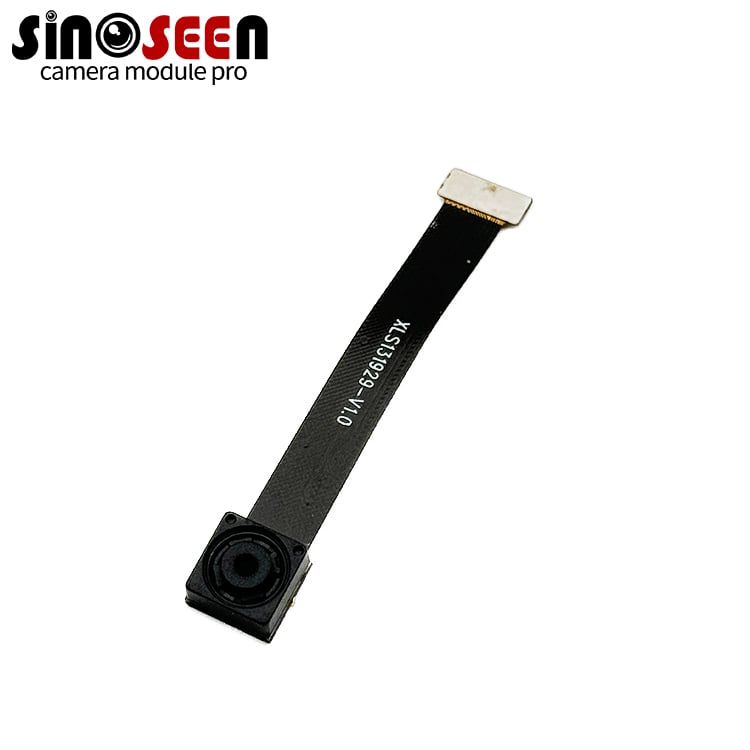
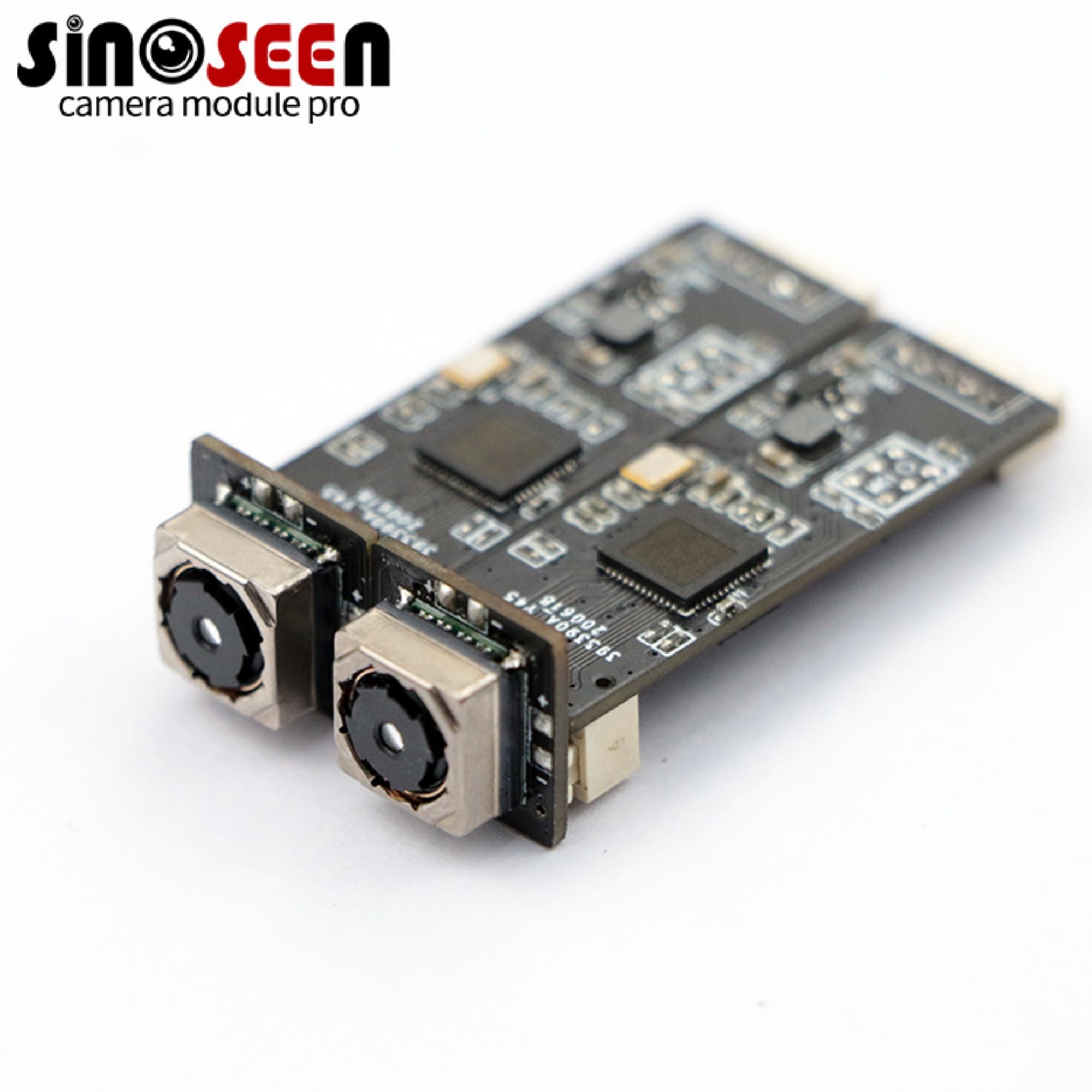
Sinoseen's Modul kamera USB OV5640 5 MP merupakan salah satu pilihan untuk pengambilan gambar di dalam kompartemen loker. Konfigurasi yang tercantum mencakup USB 2.0, fokus tetap, PCB berbentuk strip berukuran 62 × 9 mm, resolusi maksimum 2592 × 1944, serta sudut pandang opsional sebesar 60°. PCB-nya yang sempit memungkinkan pemasangan sepanjang batang melintang atas atau di belakang panel depan tipis, di mana PCB berbentuk persegi berpotensi mengganggu kunci, kabel, atau mekanisme pintu.
OV5640 adalah sensor warna 5 MP dengan format optik 1/4 inci dan piksel berukuran 1,4 µm. Sensor ini mengintegrasikan kompresi JPEG, pencahayaan otomatis, serta keseimbangan putih otomatis.
Resolusi, laju bingkai, format kompresi, dan kontrol gambar yang tersedia bagi host bergantung pada chip jembatan USB dan firmware yang digunakan dalam modul. Verifikasi kemampuan-kemampuan ini menggunakan sampel fisik. Spesifikasi asli sensor saja tidak menentukan apa yang dapat dilakukan oleh produk jadi. Modul kamera USB dapat memberikan.
Konfigurasi ini lebih cocok untuk paket yang relatif diam dibandingkan subjek yang bergerak cepat. Untuk loker pintar, keunggulan utamanya adalah fleksibilitas pemasangan PCB sempit dan detail yang tersedia untuk pemotongan label pada resolusi 5 MP. Jika papan standar tidak sesuai, pertimbangkan modul Kamera Khusus .
Jadikan Gambar sebagai Bagian dari Catatan Transaksi
Tim desain harus menentukan kapan setiap gambar diambil, catatan penurunan atau pengambilan mana yang menjadi miliknya, berapa lama gambar tersebut disimpan, dan siapa saja yang dapat mengaksesnya. Catatan paket umumnya tidak perlu mencakup koridor di luar loker.
Membatasi bidang pandang di dalam kompartemen mengurangi informasi yang tidak relevan dan mengalokasikan lebih banyak piksel gambar ke paket. Aplikasi juga harus membedakan antara kegagalan pengambilan gambar dengan kompartemen kosong, karena kondisi-kondisi ini memerlukan penanganan yang berbeda.
Uji Alur Kerja Pengambilan Lengkap
Pengujian sampel harus mereproduksi kondisi operasional yang dimaksudkan sedekat mungkin. Gunakan host produksi, sistem operasi, kabel USB, hub USB internal, pencahayaan LED, wadah, dan aplikasi. Uji paket dengan tinggi, warna, serta bahan permukaan yang berbeda. Buka dan tutup pintu secara berulang, serta verifikasi bahwa kamera tersambung kembali secara otomatis setelah host dihidupkan ulang.
Catat tingkat keberhasilan proses awal, waktu hingga gambar pertama yang dapat digunakan muncul, area di mana label tetap terbaca, perbedaan ketajaman antara bagian tengah dan sudut-sudut gambar, serta konsistensi eksposur pada pengambilan gambar berulang. Pengukuran semacam ini lebih bermanfaat dibandingkan hanya beberapa contoh gambar pilihan yang diambil secara cermat.
Sebelum produksi massal, pastikan kombinasi sensor dan jembatan USB, dimensi PCB, orientasi konektor, lensa, versi firmware, identifikasi perangkat USB, serta pengaturan gambar bawaan tidak lagi berubah. Perubahan pada salah satu elemen tersebut dapat memengaruhi kinerja, bahkan jika nama produk tetap sama.
Pertanyaan yang Sering Diajukan
Apakah Setiap Smart Locker Memerlukan Kamera 5 MP
Tidak. Resolusi yang lebih rendah mungkin sudah cukup jika sistem hanya perlu mendeteksi keberadaan paket atau menyimpan gambar umum paket tersebut. Resolusi lebih tinggi menjadi berguna ketika aplikasi membutuhkan pemotongan label atau pelestarian detail identifikasi yang lebih kecil.
Apakah Sudut Pandang 60° Cukup Lebar
Itu tergantung pada jarak pemasangan kamera dan dimensi kompartemen. Uji prototipe sederhana untuk memeriksa apakah lensa mencakup kedua sudut terdekat serta dinding belakang.
Apakah Modul Kamera USB OV5640 Dapat Membaca Kode Batang
Modul menyediakan gambar ke perangkat lunak dekode kode batang. Keberhasilan dekode juga bergantung pada ukuran label, fokus, pencahayaan, gerak, format kompresi, dan decoder-nya. Uji label terkecil yang diharapkan pada jarak kerja terjauh.
Informasi Apa Saja yang Harus Saya Berikan kepada Pemasok Modul Kamera
Berikan dimensi kompartemen, posisi pemasangan, rentang jarak kerja, fitur terkecil yang harus terdeteksi, kondisi pencahayaan, platform host, format output yang dibutuhkan, panjang kabel, suhu operasional, dan volume tahunan yang diharapkan. Berbagi detail-detail ini dengan Tim modul kamera Sinoseen membantu pemasok mengusulkan konfigurasi yang sesuai dengan revisi lebih sedikit.